
Appearance
Automations
Automations is the one place for the e-mails a project sends on its own. Each rule reads as a sentence: when something happens, who is told, and with which message.
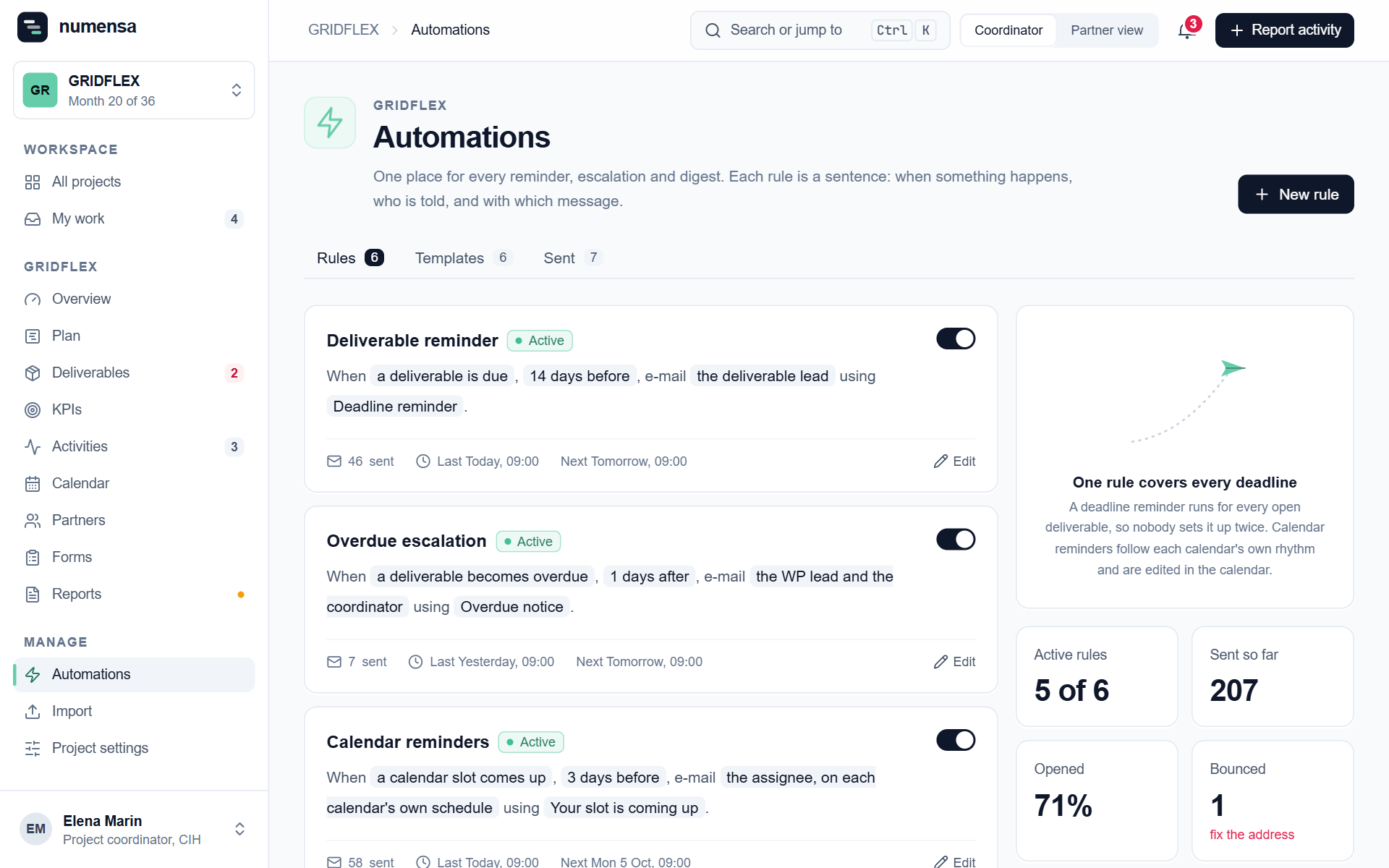 Rules as sentences, with how many e-mails each has sent and when it runs next.
Deadline reminders
A deadline reminder runs for every open deliverable, so you set it up once. For example: 14 days before a deliverable is due, e-mail the deliverable lead.
- Click New rule.
- Choose when it fires and who receives it.
- Write the subject and the message. The deliverable's code, title and deadline are filled in for each e-mail.
- Send yourself a test before switching it on. A test only ever goes to you.
A reminder needs someone to go to. If a deliverable has nobody named as responsible, nothing is sent for it.
Calendar reminders
These follow each calendar's own rhythm and are edited in the calendar, not here. See Calendars and reminders.
Pause or change a rule
Open the rule and pause it, or edit it. A paused rule sends nothing until you switch it back on.
What Numensa never does
- It never e-mails people outside the project.
- It never e-mails someone whose invitation has not been sent yet.
- It sends each reminder once, even if you save the rule again the same day.
Where replies go
To the address under Replies go to in Project settings, or to you if that is empty.