
Appearance
Forms
Forms collect the same information from everyone, in one place: the material for a post, a monthly check-in, feedback after an event. Every answer is kept with who sent it and from which organisation.
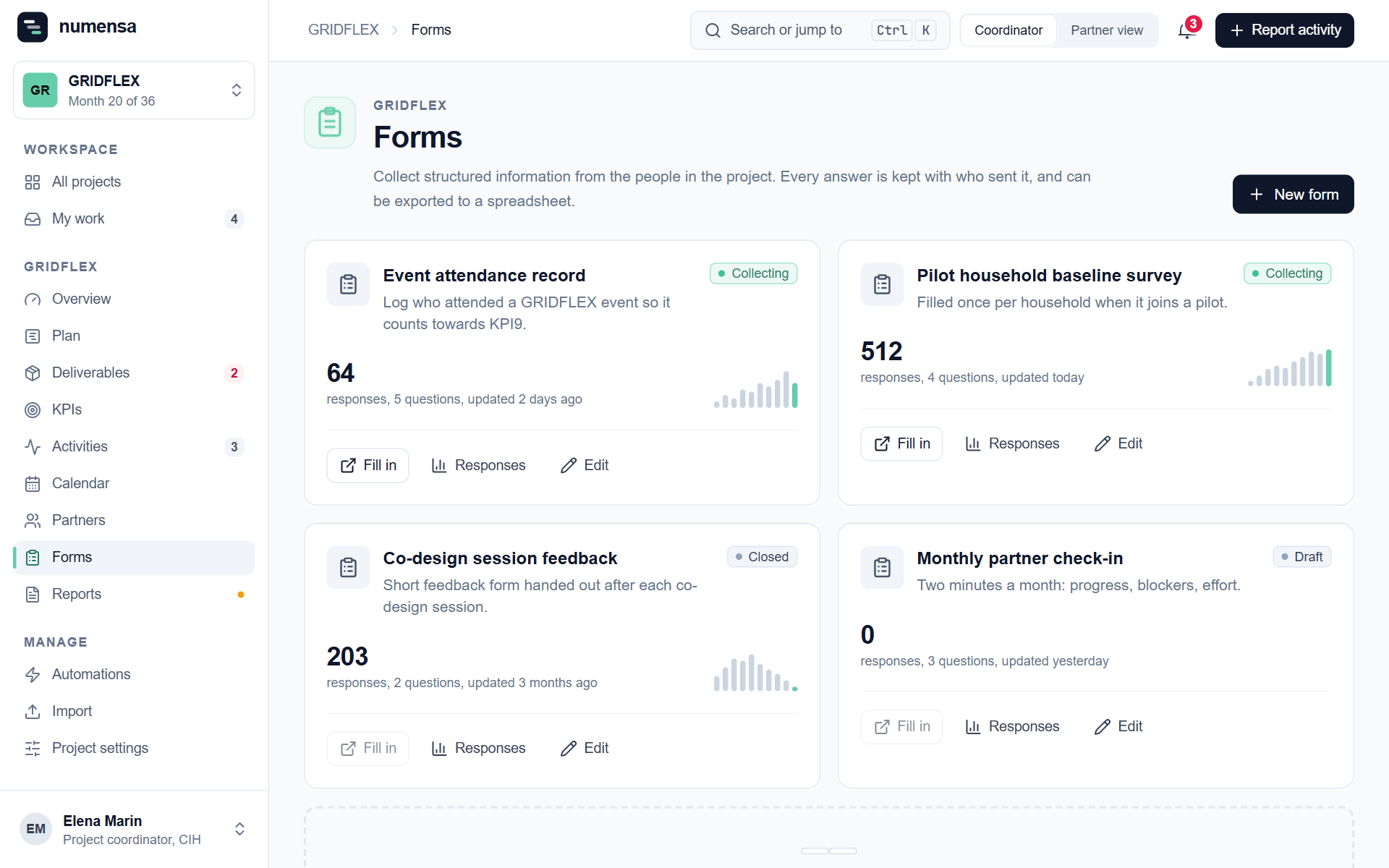 Each form with its state and how many answers it has.
Build a form
- Click New form.
- Give it a name and a short description. Partners see both.
- Add the questions. For each one choose the type, mark it required if it is, and add a help text where the question needs explaining.
- Open the form for answers when it is ready.
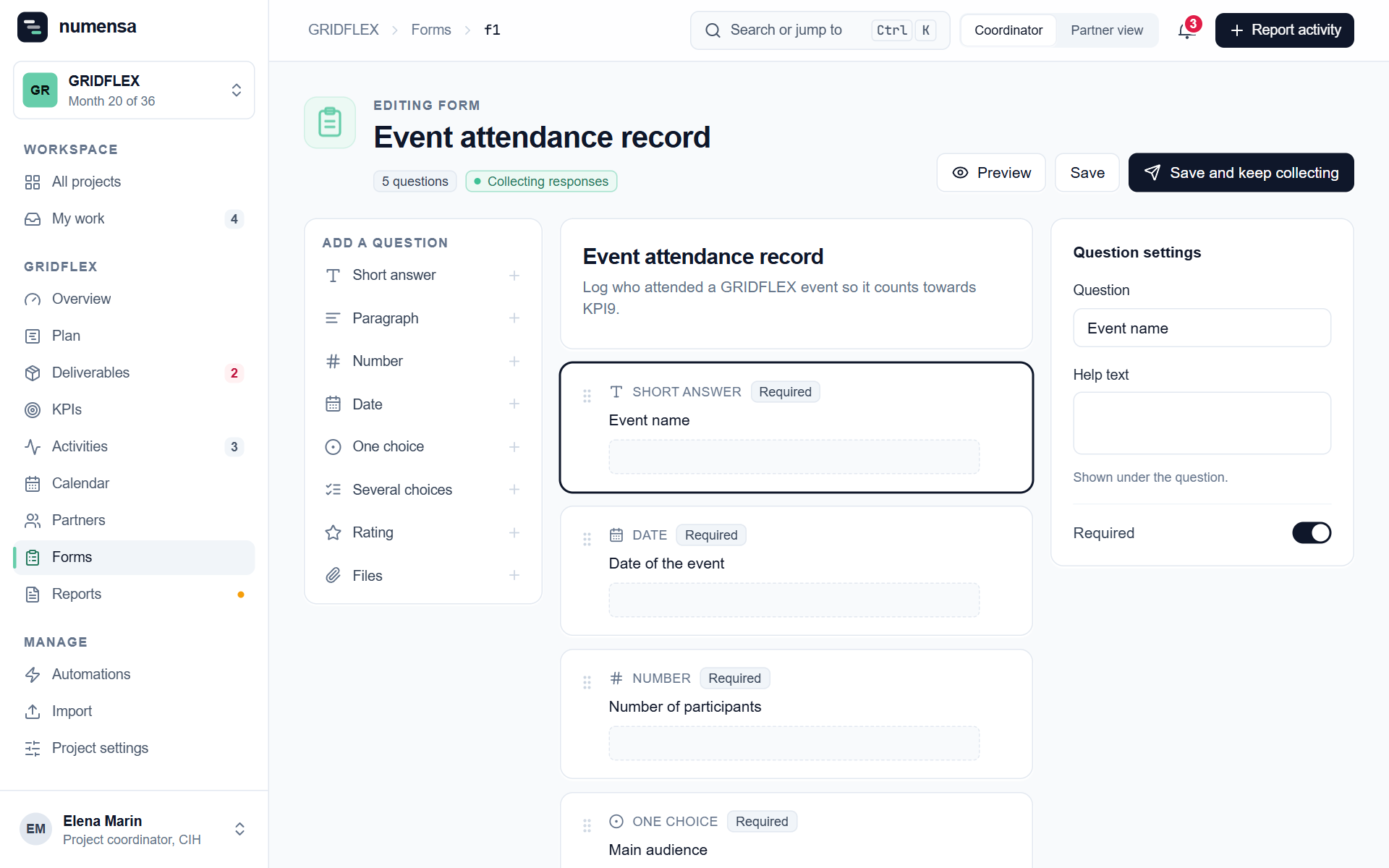
A file question lets people attach up to 5 files, each up to 50 MB: pictures, a PDF, a spreadsheet.
States
| State | Meaning |
|---|---|
| Draft | Only coordinators see it. |
| Collecting | Open. Everyone in the project can answer. |
| Closed | No new answers, and existing ones can no longer be corrected. |
Read the answers
Click Responses on a form.

- The table shows who answered, their organisation, and the status of each answer.
- Open an answer to read it in full and to preview its files.
- Export gives you all answers as a spreadsheet.
Say what became of an answer
On an answer, the panel What became of it lets you mark it, for example as published or not used, and add a note. The sender sees the status. Only coordinators see the note.
Once you have marked an answer, the sender can no longer change it.
Who sees what
- Partners see only their own answers.
- Coordinators and managers see all of them, and can delete an answer with its files.