
Appearance
Fill in a form
Coordinators use forms to collect the same information from everyone, for example the text and picture for a social media post. You answer in Numensa, and the answer stays with the project.
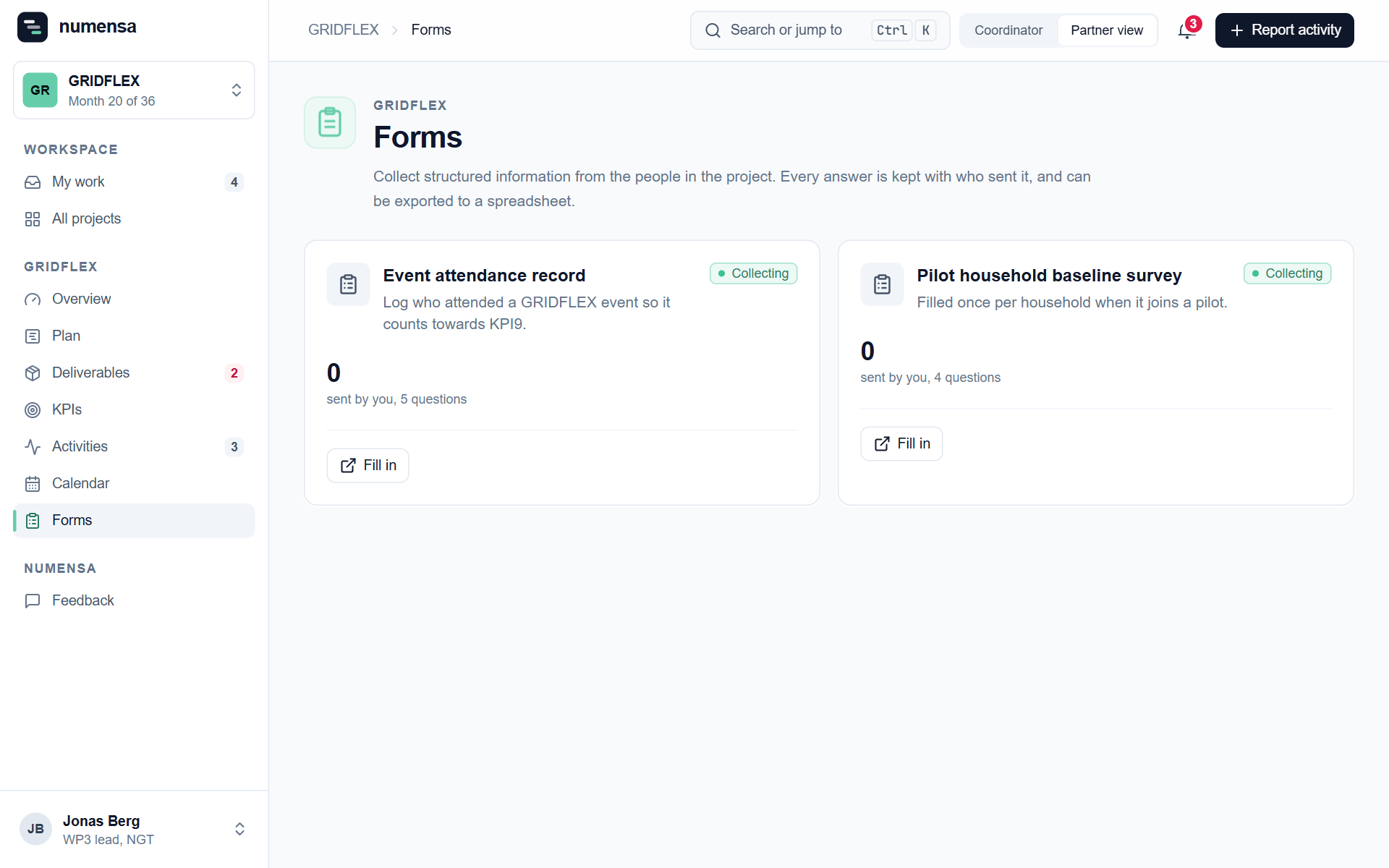 Forms you can fill in, and how many answers you have sent.
Steps
- Open Forms and click Fill in on the form you need.
- Answer the questions. Those marked with a star are required. The counter at the top shows how many are left.
- If a question asks for files, add up to 5 files, each up to 50 MB.
- Click Send answers.
 A form: required questions are marked, and the note at the bottom says who can see your answer.
Who sees your answer
Only the project's coordinators and you. Other partners do not see it.
Correct an answer
Under Your answers on the Forms page, open the answer and change it. You can do this until the coordinators have dealt with it. After that the answer is locked, so write to them if something still needs correcting.
What became of it
Coordinators mark each answer, for example as published or not used. You see that status on your answer.
Good to know
- You can answer the same form more than once, for example one answer per post.
- A closed form can no longer be answered or corrected.