
Appearance
Import
Import brings in what you already have, so nobody types a consortium or a plan in by hand. Nothing changes until you have reviewed every difference.
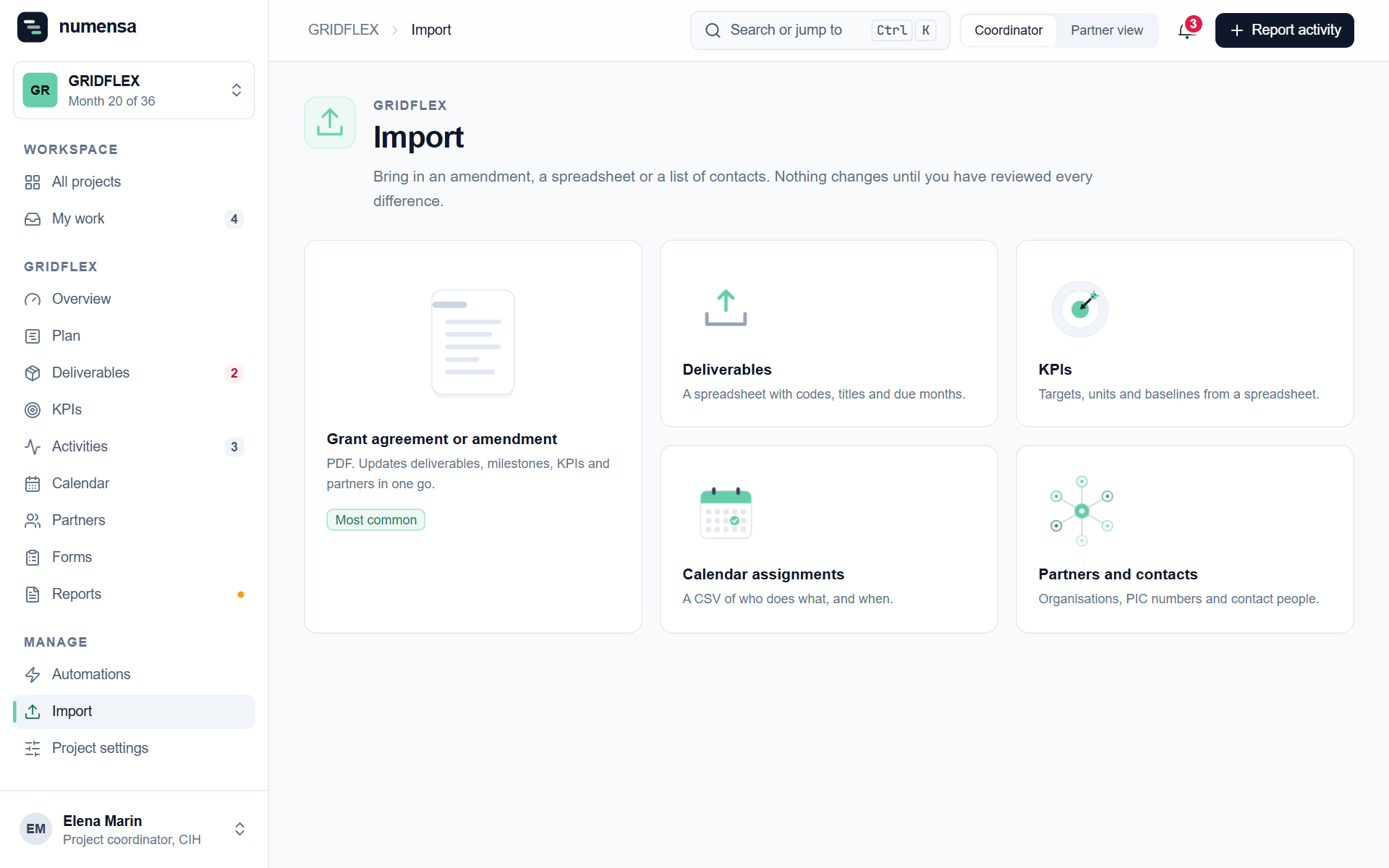 What you can bring in.
What you can import
| Import | From | What it fills |
|---|---|---|
| Grant agreement or amendment | The PDF from the Funding and Tenders Portal | Deliverables, milestones, KPIs and partners in one go |
| Deliverables | A spreadsheet | Codes, titles and due months |
| KPIs | A spreadsheet | Targets, units and baselines |
| Calendar assignments | A spreadsheet or CSV | Who has which slot, and when |
| Partners and contacts | A spreadsheet | Organisations, PIC numbers and contact people |
How it works
- Choose what to import.
- Paste the rows straight from Excel or Google Sheets, or upload a CSV file. The first row must be the column names.
- Check the preview. Numensa shows what will be added and what it could not read.
- Confirm.
Tips
- People: when importing contacts, you choose whether invitations go out now or later. Switch it off to load a consortium before its launch day. See Partners and people.
- Calendar assignments: the people in the file must already be in the project, with the same e-mail address. A row without a person becomes an open slot.
- After an amendment: import the amended grant agreement. You review each difference before anything is changed.
- Dates: deadlines are project months. A deliverable due in M18 gets its date from the project's start date.
If rows are refused
The preview says why, row by row. The usual reasons are an e-mail address with a typo, a person who is not in the project yet, or a missing column name.