
Appearance
Create a project
A project in Numensa mirrors the grant agreement: partners, work packages, tasks, deliverables and milestones, all placed by project month.
On All projects, click New project.
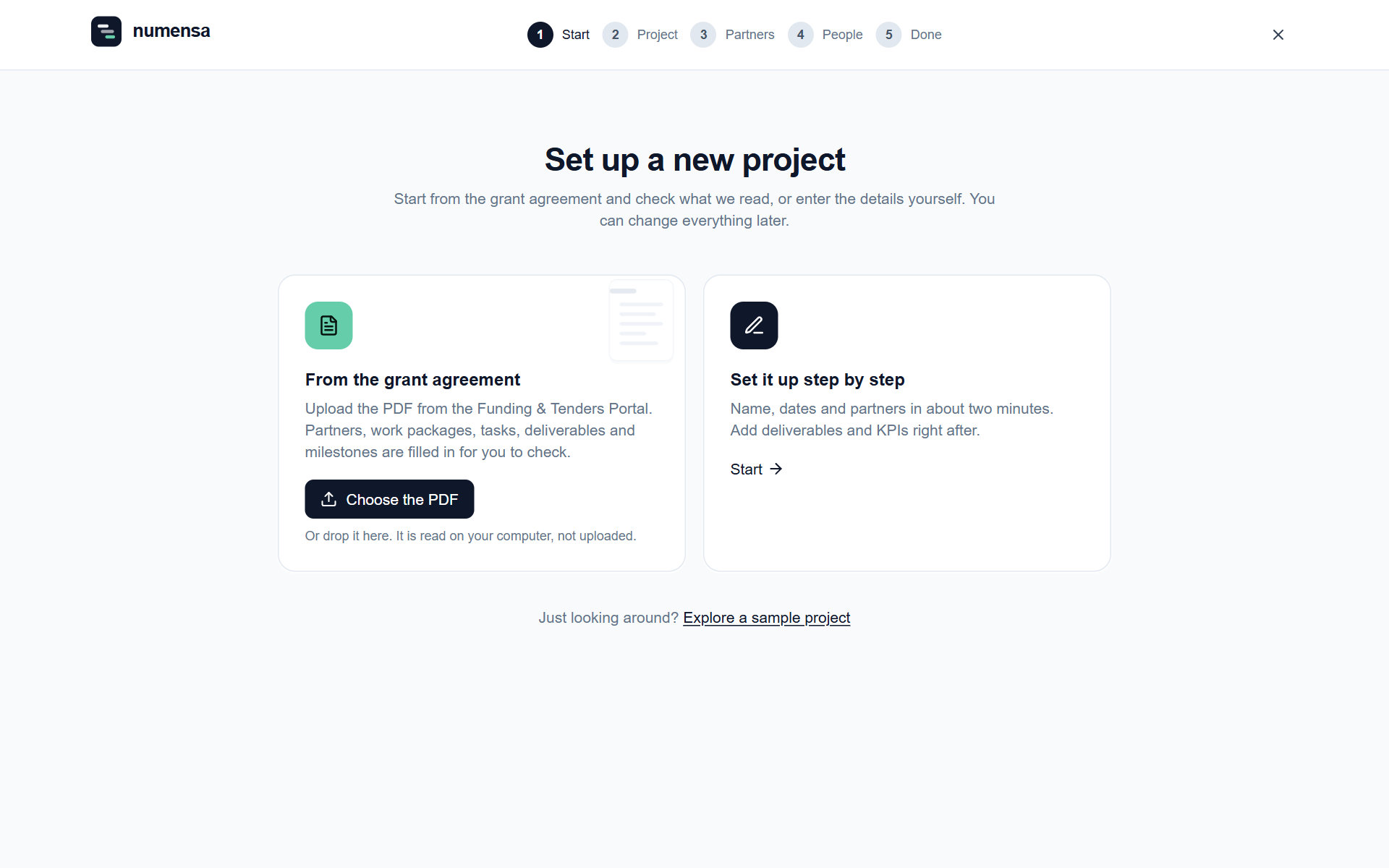 Two ways to start: from the grant agreement, or step by step.
From the grant agreement
- Click Choose the PDF and pick the grant agreement you downloaded from the Funding and Tenders Portal.
- Numensa reads it and fills in the partners, work packages, tasks, deliverables and milestones.
- Check each step and correct what was read wrongly.
The PDF is read on your computer. It is not uploaded.
Step by step
Choose Set it up step by step if you have no PDF at hand. It takes about two minutes, and you add deliverables and KPIs right after.
The steps
- Project. Acronym, full title, programme, grant number, start date and duration. Deadlines are counted in project months from the start date.
- Partners. Each organisation with its short name, legal name and role (coordinator, beneficiary, affiliated entity or associated partner).
- People. Who should join, with their e-mail address.
- Done. Click Create the project.
Two switches worth knowing
- This project has already started. Marks everything that was due before today as done, so you do not start with a list of overdue deliverables.
- Send invitation e-mails. Leave it off to add people now and invite them later. Nobody gets any e-mail until you send their invitation. See Partners and people.
After creating it
- Add or import what is missing on the Import page.
- Check the start date under Project settings. Change it, and every deadline follows.
- Want to look around first? Explore a sample project opens a made-up project where nothing you change is saved.